16:10 Image (download from Admin › News & Knowledge)
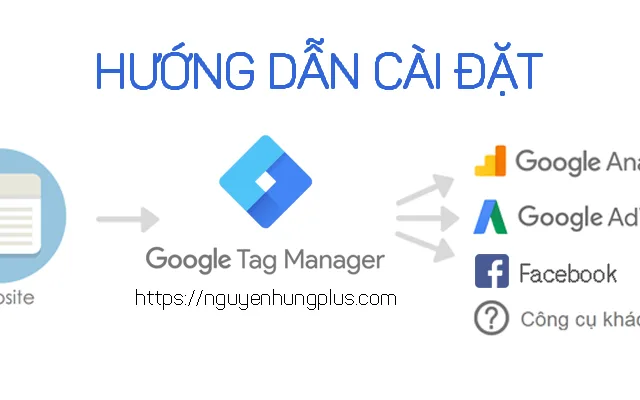
Track phone number click events using Google Tag Manager
Track phone number click events on your website to understand optimal advertising performance and advertising costs. Re-optimize ineffective advertising campaigns and increase budget for well-performing campaigns.
 Then click preview mode


 You can access the website by clicking on the phone number, then return to Google Analytics to check the click call goal setup.
 Congratulations on the successful setup. If you encounter any issues, please contact me for further assistance. P.S: Don't forget to publish in Google Tag Manager.
1. Create a trigger for phone number click events in Tag Manager
- Access Google Tag Manager account
- Left menu select triggers
- Create new trigger
- Trigger type: Click – All elements
- Name trigger: Call
- Save.
Then click preview mode
1.2 Access the website, find the phone number and click on it
Then find the gtm.click event when you click on the phone number, select the variable tab. In the variable tab search for values containing the phone number as shown below.
1.3 Return to Google Tag Manager triggers and select the Call trigger you created.
- Select the Call trigger again
- This trigger activates on: select a number of clicks
- Fill in the value based on the value as shown in the image above
- Click Element – Contains – Tel
- Then save
1.4 Create a new event tag in Tag Manager
- Create new tag
- Tag type: Universal Analytics
- Track type: Event
- Category: call
- Action: click
- Label: {{Page Path}}
- Google Analytics settings: Enter your Google Analytics ID (if you haven't created one yet, click create new)
- Trigger: Call
1.5 Check the click trigger for Call
- Refresh the Google Tag Manager preview
- Go back to the website and press F5 to refresh the page
- Click on the phone number and check if the trigger has activated the call tag you just created.
2. Set up call goal in Google Analytics
- Access Google Analytics
- Select Admin from the left menu
- Select Goal: create new
- Goal setup: Custom
- Goal description: Event
- Goal details: fill in the parameters same as the call tag in Tag Manager
- Then save.
You can access the website by clicking on the phone number, then return to Google Analytics to check the click call goal setup.
Congratulations on the successful setup. If you encounter any issues, please contact me for further assistance. P.S: Don't forget to publish in Google Tag Manager.